


How to Create a Crypto Wallet: A Comprehensive Guide to Setting Up Your Cryptocurrency Storage


with ArbitrageScanner!
How to Create a Crypto Wallet: A Complete Guide
Originally, cryptocurrencies, specifically Bitcoin, were conceived as a means of payment, allowing people to bypass financial institutions as intermediaries. Generally, this remains their primary use, but an investment component has been added: cryptocurrencies offer higher returns compared to traditional assets.
Those who have just entered the crypto industry often ask: how do I store cryptocurrency correctly? This article addresses exactly that: what a crypto wallet is, what types exist, how to choose storage services, and much more.
What is a Crypto Wallet?
A crypto wallet is a program or device that allows you to manage cryptocurrency rather than store it inside. In fact, all created cryptocurrencies or tokens reside within the blockchain and cannot be extracted from it. The wallet provides access to your assets on the blockchain using a private key: something like a "password" that, once entered, opens access to your funds on the blockchain.
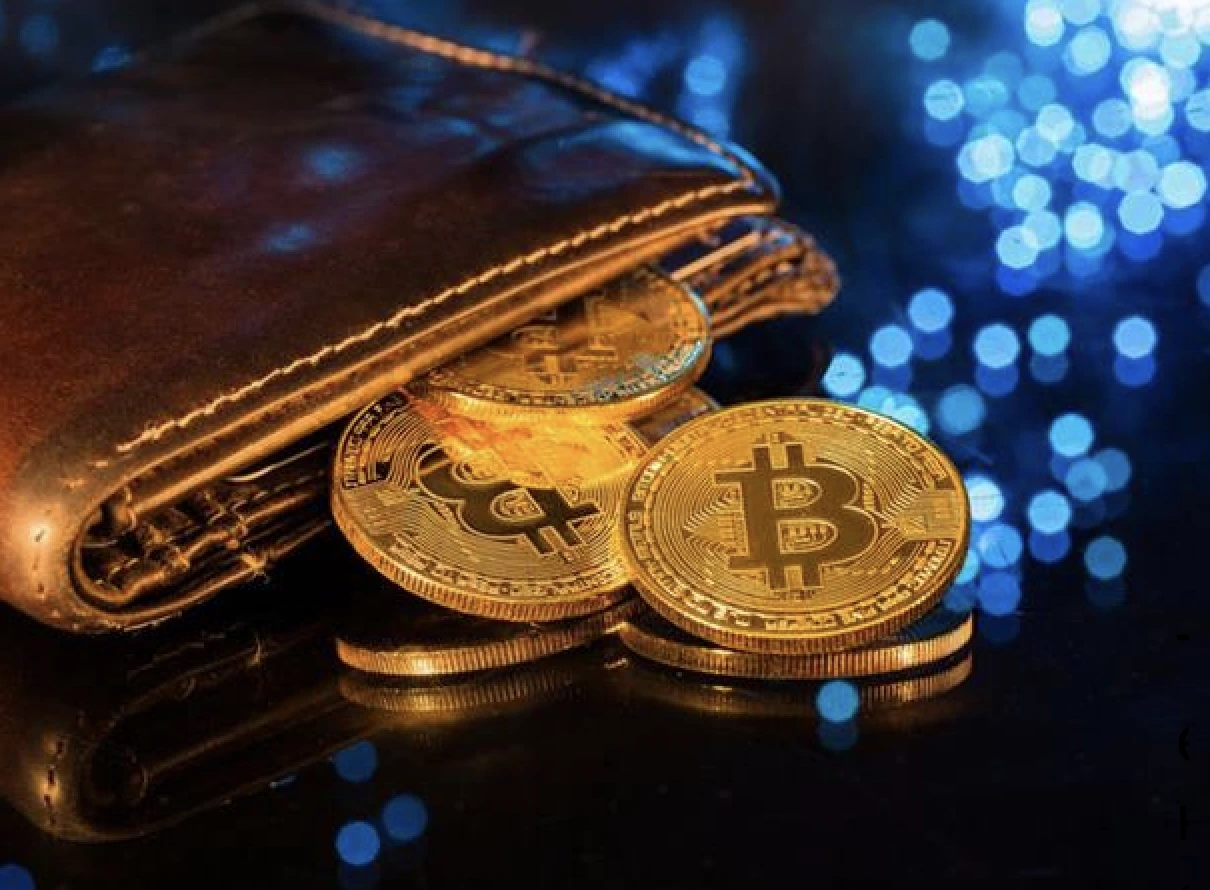
A crypto wallet also has a public key: think of it as a bank account number that others use to send you cryptocurrency. If you are worried that your cryptocurrency on the blockchain is at risk, you can relax: there are currently no known ways to hack the blockchain itself. The only way you can lose your assets is if someone gains access to your private key. We will explore how and why this happens further on.
Types of Crypto Wallets
There are two main types of wallets:
-
Cold Wallets. These wallets are characterized by increased security and a more complex withdrawal process. This is because they are not constantly connected to the internet, making it harder or impossible for hackers to access your funds (i.e., steal the private key). To perform a transaction with a cold wallet, you need to connect it to the network, which takes time;
-
Hot Wallets. In this case, the wallet is always connected to the internet, making it much easier to perform transactions, but the private key is significantly more vulnerable to being stolen by hackers.
Among hot and cold wallets, there are also different storage options.
Cold Wallets
Hardware Wallets
Some devices look like USB drives, while others resemble mini-smartphones. When purchasing a hardware wallet, the user creates an address on it, saving the private and public keys. It is also essential to remember the seed phrase: a set of 12 or 15 words that allows access to the cryptocurrency if the private key is lost.
Hardware wallets are divided into two types:
-
Connectable. The wallet connects to a PC via a USB port, after which the private key is entered into the corresponding software. The built-in protection of hardware wallets allows them to be connected even to PCs with viruses, as they cannot affect the device;
-
Non-connectable. These look more like small smartphones where a QR code may be displayed on the screen, encoding the private or public key. This type of wallet has no way to connect to a PC, and furthermore, if the device detects a tampering attempt (mechanical or technical), the keys on it will be destroyed.
Paper Wallets
The private key is printed on paper as a QR code or simple characters. Later, if the owner wants to transfer funds, they must scan the QR code or enter the private key through a software wallet (that supports the specific blockchain). This is considered the most secure way to store digital assets; however, you must ensure the physical safety of the paper. some enthusiasts laminate the sheet and place it in an isolated container to protect it from external threats.
Hot Wallets
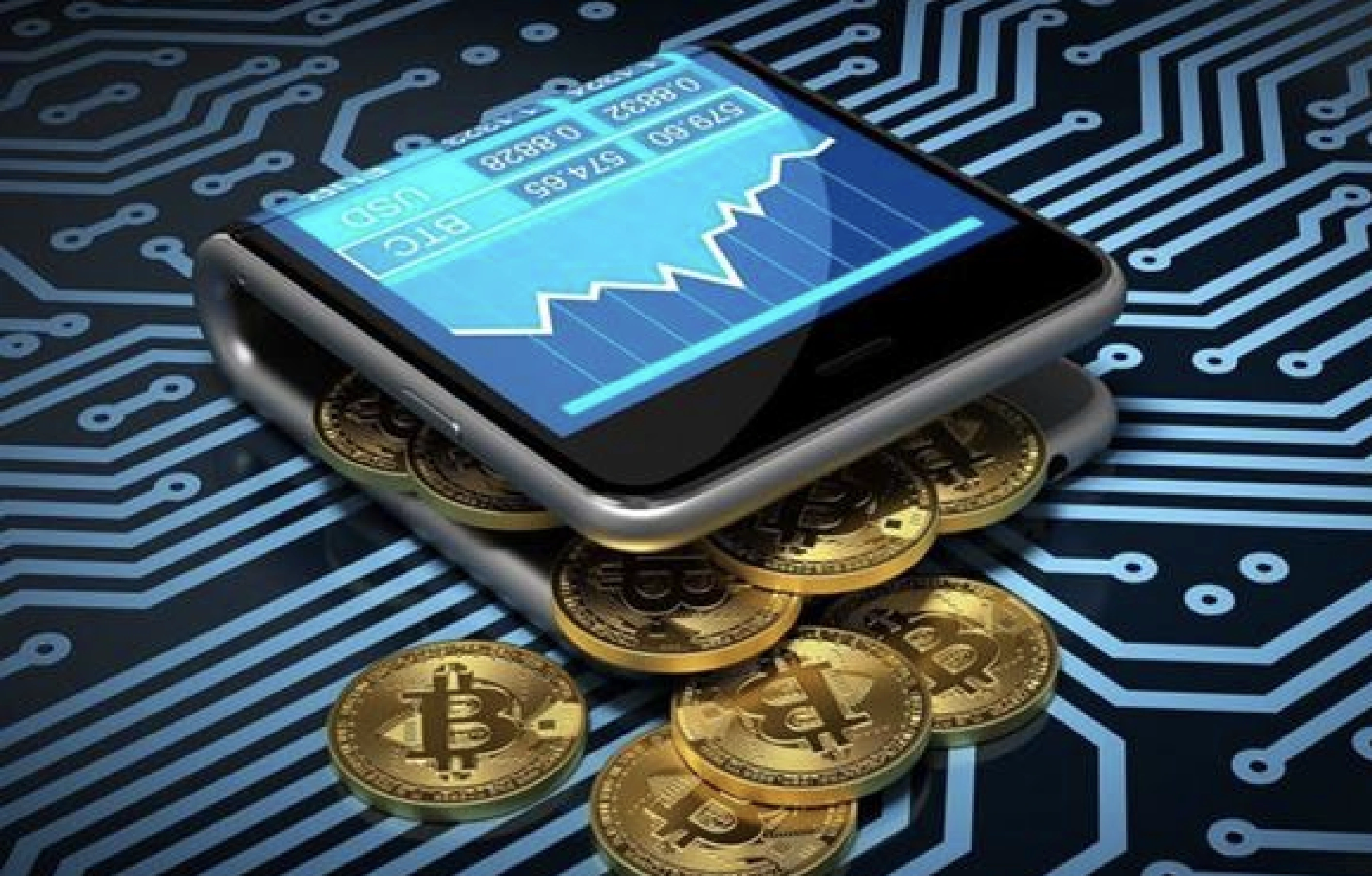
Mobile Wallets
Apps installed on smartphones or tablets. Given that these devices are connected to the network 24/7, their security is "lacking." News regularly appears about mobile wallets being hacked. However, they are extremely easy to use for daily small transactions.
Online Wallets
Essentially the same as mobile wallets, but for PCs and laptops. Available in a web browser or as a browser extension.
Desktop Wallets
These are programs installed on a PC or laptop that allow storing keys for cryptocurrency on the blockchain. In essence, it can be a cold wallet if installed on a PC that has never been connected to the internet.
How to Choose a Crypto Wallet
Selection Criteria
-
Security. The wallet must provide all possible security measures to preserve assets. For example, you should enable two-factor authentication, set a password, or use biometric access;
-
Control over keys. Online, mobile, and desktop wallets are divided into custodial and non-custodial. In the first case, the company that created the wallet is responsible for the safety of private keys; in the second, the user is. Experience shows the second option is safer, as servers with data are frequently targeted by hackers;
-
Multi-currency support. Wallets that support only one cryptocurrency or blockchain are less versatile. On the other hand, they are well-suited for long-term storage of specific assets;
-
Reputation and reviews. Pay attention to news related to the wallet: hack reports appear regularly, so evaluating whether to use a specific wallet is straightforward;
-
Support for smart contracts and DeFi. This is only necessary if you plan to work with decentralized applications;
-
Open source code. An average user might not understand the code, but the fact that developers aren't afraid to show it suggests they aren't afraid of hackers and have nothing to hide;
-
Functionality. Support for exchange, staking, NFTs, and the ability to set transaction fees.
Best Wallets for Popular Cryptocurrencies
-
Ledger Nano X – a hardware wallet with high security, Bluetooth support, and many cryptocurrencies;
-
Trezor Model T – a secure hardware wallet with a touchscreen and support for over 1,000 cryptocurrencies;
-
MetaMask – a convenient browser and mobile wallet for Ethereum and ERC-20 tokens, integrated with DeFi and NFTs;
-
Trust Wallet – a mobile wallet supporting multiple blockchains, with built-in exchange and staking;
-
Exodus – a multi-currency desktop and mobile wallet with a user-friendly interface and built-in exchange;
-
Atomic Wallet – a decentralized multi-currency wallet with staking functions and anonymous exchanges;
-
Electrum – a light and fast Bitcoin wallet with high security and support for cold storage;
-
Coinbase Wallet – a non-custodial mobile wallet with easy integration with the Coinbase exchange;
-
MyEtherWallet (MEW) – an open-source wallet for Ethereum and ERC-20 tokens;
-
Guarda – a multi-platform wallet supporting many cryptocurrencies, staking, and token issuance capabilities.
Steps to Create a Hot Wallet
Creating a Desktop Wallet
-
Choose a wallet that supports the cryptocurrencies you need;
-
Download it to your PC or laptop;
-
Install and create the crypto wallet;
-
Save the seed phrase and set a password for wallet access.
Creating a Mobile Wallet
-
Go to the app store, App Store or Google Play, and download a suitable wallet. It will install automatically;
-
Open the app and select the cryptocurrency you plan to store, then the wallet will be created;
-
Save the seed phrase and set a password for wallet access;
-
Additionally, if your device supports biometrics, configure access via fingerprint or face ID.
Creating an Online Wallet
Using Trust Wallet as an example:
-
Download the app – go to the App Store or Google Play, find Trust Wallet and install it;
-
Create a wallet – open the app and click "Create a new wallet";
-
Save the seed phrase – the app will show 12 words to be written down and stored safely;
-
Confirm the seed phrase – enter the saved words in the correct order;
-
Set up protection – configure a PIN or biometric authentication (Face ID, fingerprint);
-
Done – your Trust Wallet is now activated, and you can store, exchange, and stake cryptocurrency.
Steps to Create a Cold Wallet
Creating a Hardware Wallet
-
Purchase a cryptocurrency storage device;
-
Install the official software from the manufacturer's website;
-
Connect the device to your PC;
-
Follow the system instructions to create the wallet;
-
Save the seed phrase and set a password for wallet access.
Creating a Paper Wallet
-
Generate a key pair (public and private) using a reliable generator;
-
Print the keys or write them down carefully on paper;
-
Check that the information is readable and error-free;
-
Store the paper wallet securely in a safe place (safe box, bank cell);
-
Make several copies and store them in different secure locations.
Essential Crypto Wallet Functions
Unique Access Key
Aside from the keys provided during address creation, a wallet should offer additional features such as two-factor authentication and a password.
Support for Multiple Cryptocurrencies
Today, very few wallets specialize in only one cryptocurrency. The most famous is Bitcoin Core – a wallet for managing Bitcoin. However, about 95% of existing wallets are multi-currency, supporting many assets, and some even allow swapping them for fiat currencies (USD, EUR).
Transactions to Other Wallets
If a wallet doesn't allow sending cryptocurrency to other addresses, it becomes useless, especially a hot wallet. Furthermore, it should allow setting transaction fees. This is needed for faster processing: the higher the fee, the quicker the transaction reaches the recipient.
Additional Crypto Wallet Features
Staking
Staking began to be implemented by cryptocurrency exchanges. Official wallets from exchanges (Trust Wallet, Coinbase Wallet, OKX Wallet, etc.) started offering staking options: the user can "freeze" a certain amount of crypto, supporting the blockchain and earning profit based on an annual percentage.
Converting Fiat to Cryptocurrency
It is convenient when a wallet allows exchanging crypto for fiat directly. However, in current realities for residents of certain regions like Russia, this option is restricted as almost all platforms adhere to international sanctions.
Partnership with Crypto Platforms
When interacting with decentralized exchanges or NFT marketplaces, you need to connect a wallet. If it already partners with these platforms, the connection will be much faster than the standard procedure.
Crypto Wallet Security
How to Protect Your Wallet from Hacking
To minimize the risk of losing funds, follow these recommendations:
-
Store private keys in a safe place – never share them with third parties or store them in cloud services;
-
Use Two-Factor Authentication (2FA) – connect Google Authenticator or another reliable service;
-
Create seed phrase backups – write it on paper and store it securely;
-
Use complex passwords – avoid simple combinations and use password managers;
-
Beware of phishing attacks – check website URLs and do not click on suspicious links;
-
Use hardware wallets for large amounts – they provide maximum asset protection;
-
Update wallet software – timely updates fix system vulnerabilities;
-
Don't download wallets from unverified sources – use official developer websites only;
-
Limit use of public networks – do not access your wallet via public Wi-Fi without a VPN;
-
Set up multi-signature (if supported) – transactions will require approval from multiple participants.
How to Recover Access to Your Wallet
The only way to recover access if a private key is lost is the seed phrase. This is why some holders treat it as a "paper wallet": printing and hiding it away from prying eyes.
If the seed phrase is also lost, access to the crypto wallet will be impossible to recover.
Frequently Asked Questions (FAQ)
How long does it take to create a crypto wallet?
On average, the process takes from 2 to 10 minutes, depending on the wallet type (online, mobile, desktop, or hardware).
What do I need to create a crypto wallet?
Just choose a wallet, install it on your device, and save the seed phrase. For hardware wallets, you need the device and official software.
Which wallet is best for a beginner?
Trust Wallet, MetaMask, and Exodus are convenient and simple wallets with an intuitive interface and high security.
Conclusion
Cryptocurrencies offer many opportunities, but it is vital to understand that their security depends entirely on you. The choice of a crypto wallet depends on your goals: hot wallets are convenient for fast transactions, while cold ones are for long-term storage.
However, security is not the only key aspect. To maximize profits, it is important to find profitable market opportunities in time. Arbitrage Scanner is a powerful tool that automatically analyzes dozens of exchanges in real-time, detecting price differences for arbitrage deals. With it, you can profit even in low volatility conditions while minimizing risks.
Following security measures, such as protecting private keys and using 2FA, will help avoid asset loss. The more responsible the approach to storage and usage of earning tools, the higher the likelihood of not only preserving but growing your funds.
Arbitrage Scanner is your reliable assistant in the world of cryptocurrencies, where every second counts.
Want to learn more about crypto arbitrage?
Get a subscription and access the best tool on the market for arbitrage on Spot, Futures, CEX, and DEX exchanges.

You might be interested

What is DEX Arbitrage?

Experienced investor vs Beginner. What is the difference?
